BOS | The Builder's Operating System by Jamie Ahmed
JA
BOS™ · Builder’s Operating System™

The Builder’s Operating System

Your Building firm should run on a system.
Not on your phone.

An app waits for you to open it. BOS runs underneath the whole firm. Leads get followed up, quotes sell the job, customers see progress, payments are in plain sight. Nobody chases you.
Join the waitlist Three installs a quarter. I build each one myself.
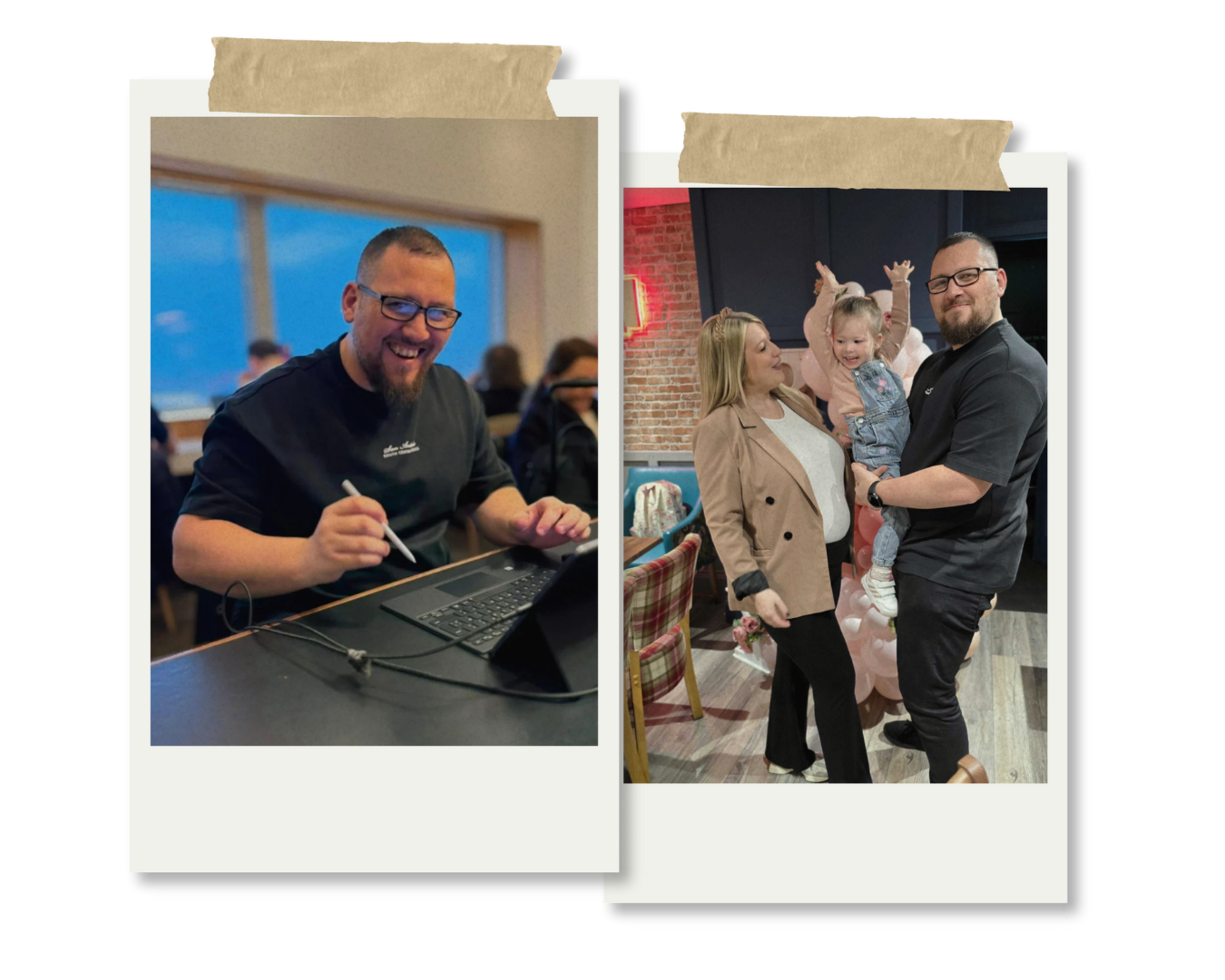
Jamie Ahmed Builder of BOS™

This is not
an app.

Not this This
Another login Installed for you
Another thing to feed Runs in the background
Someone else’s logo Your brand, your customers

What an app can’t do

An app waits to be opened.
BOS doesn’t.

Not a course, not a template. Every part was designed and wired by me, and it runs inside a real UK construction business today.

01

The lead goes quiet

Someone asks for a price, then hears nothing back.

AppNothing, until someone opens it.
BOSThey get their price by email straight away, with what happens next. Their details land in your pipeline.
02

The quote sits

It’s written, then it waits for someone to send it.

AppNothing, until someone opens it.
BOSIt goes out in your brand, with a preview of the portal they’ll get if they go ahead.
03

The customer rings for an update

Mid-job, they want to know what happened today.

AppNothing, until someone opens it.
BOSTheir Home screen already says what happened today, and a 5pm email tells them when there’s something new.
04

The payment date slips by

Nobody’s sure what’s due, or when.

AppNothing, until someone opens it.
BOSEvery stage payment, its due date and what’s been paid so far sit on the customer’s Home screen.

Inside BOS™

Here’s the system running.
Nobody pressed send.

What your customers see on their phone, from the first price to the day you hand over the keys.

Swipe to see each screen →

Instant estimate on a builder’s website: a size slider, a shell price and a form to email the estimate
01

An instant price

A visitor slides to their size, gets a ballpark and leaves their details to keep it.

You didn’t price this. BOS did.

Customer Home screen: today on site, overall progress and what’s new today
02

Today on site

Customers open one page and see what happened today, written up from your team’s notes.

You didn’t write this up. BOS did.

Journey screen: percentage complete and every stage with its date
03

Every stage, every date

What’s done, what’s live and what’s next, updated as your team ticks off each step.

You didn’t send an update. They can already see it.

Updates screen: short notes from the team and progress photos from site
04

Updates from site

Short notes and progress photos from site, plus a 5pm email when there’s something new.

You didn’t send this email. BOS did, at 5pm.

Delivered in your brand

Your name on it.
Not mine.

BOS runs underneath. Your customers only ever see your name, your logo and your colours, on every screen, whatever your trade.

ExtensionsLandscapingRoofingRenovations

Shown with four sample brands made for the demo.

Sterling and Oak, dark brand
Fernhill Landscapes, light green brand
Ridgeline Roofing, dark yellow brand
Harbour and Stone, light brand

Good systems take attention.
Attention does not scale.
So I keep the roster small.

How installs work
InstallsThree a quarter
Built byMe, by hand
WaitlistOpen
Join the waitlist Opens Instagram. One message: tell me how jobs run in your firm today.

BOS · The Builder’s Operating System by Jamie Ahmed

Three installs a quarter. I build each one myself.

© 2026 · @jamiedoesads
BOS™ · Builder’s Operating System™